
Bulk Import
Import multiple products at once from Shopify collections, store products, or the Printful catalog.
Overview
The Bulk Import tool lets you add many products to Podmaster in a single operation instead of creating them one by one. This is ideal for merchants with existing catalogs or those setting up a large number of Printful products.
Import Sources
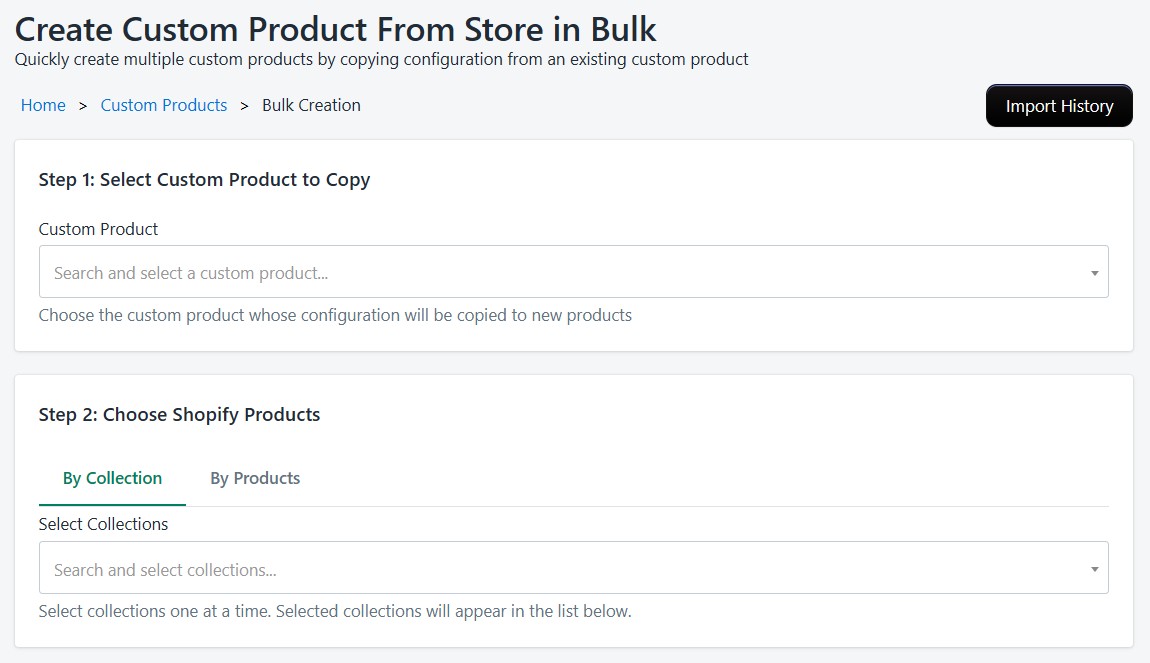
From Shopify Collections
Select one or more Shopify collections and import all products within them. Podmaster will create customizable versions of each product with default settings.
From Store Products
Browse your existing Shopify products and select specific ones to import into Podmaster. Useful when you only want to enable customization for certain products.
From Printful Catalog
Select multiple Printful catalog products and import them in bulk. Each product will be synced with Printful's variant data, pricing, and images.
Import Process
Select products
Choose the products you want to import from your selected source.
Validate
Podmaster checks for duplicates and verifies product availability before starting.
Start import
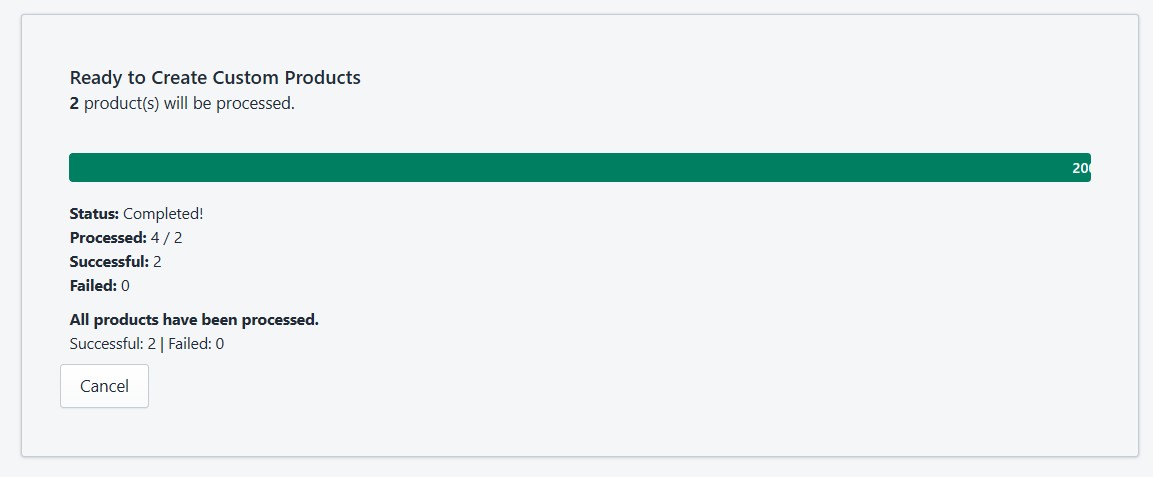
Click "Start Bulk Creation" to begin. Products are processed in the background using a job queue.
Monitor progress
Track real-time progress with per-item status updates. View successes, failures, and errors.
Import History
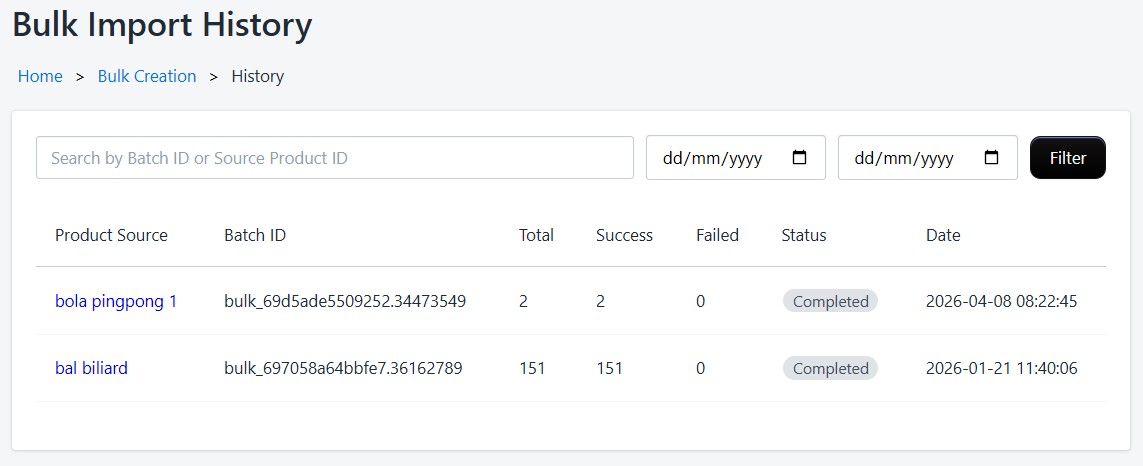
View past import batches with status breakdowns. For each batch you can see:
- Batch ID and creation date
- Total products, successes, and failures
- Individual item status and error details
- Option to retry failed items
Bulk imports run in the background, so you can continue using Podmaster while products are being created.